Why Is My Phone So Hot? How to Stop It Overheating
Your phone gets hot for specific, fixable reasons. Here's how to cool it down fast and stop it overheating on Android and iPhone.
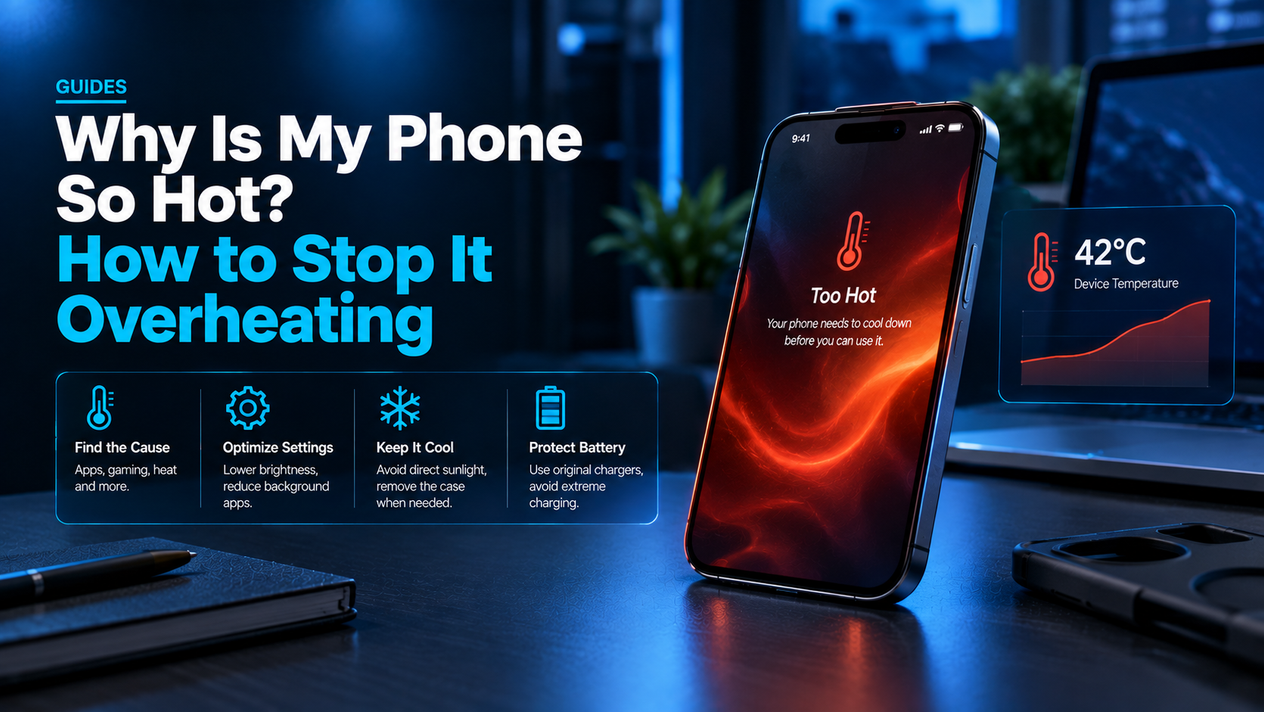
Your phone shouldn't be hot to the touch. When it is, it isn't just uncomfortable — it's a sign that something is pushing the processor, battery, or both harder than they should be. Left unchecked, sustained heat shortens battery life, causes intermittent slowdowns, and in the worst cases triggers a forced thermal shutdown that kills whatever you were doing mid-task.
The good news: most phone overheating is caused by a handful of fixable things. This guide covers why it happens, how to cool things down immediately, and what settings to change so it doesn't keep happening — on both Android and iPhone.
Why Is My Phone Getting Hot?
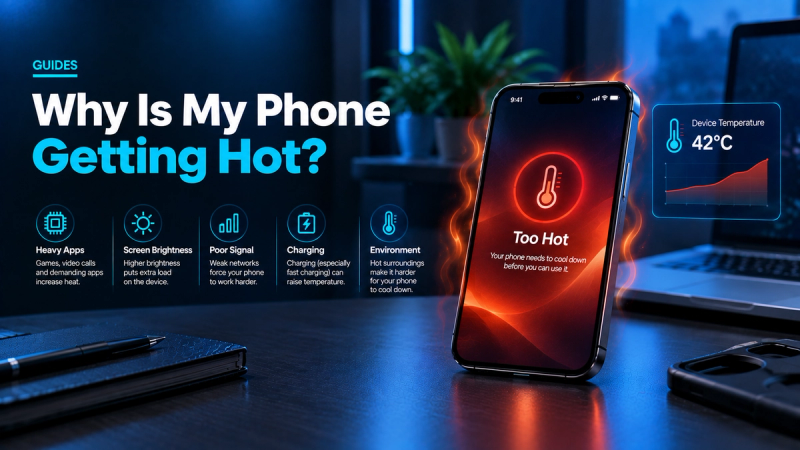
Core Causes
Modern phones pack powerful chips and large batteries into cases barely 7–8mm thick. There's nowhere for heat to go except through the glass and metal casing — so when the processor or battery works hard, you feel it.
Processor Overload
Gaming, video editing apps, AR filters, and 4K video recording push the CPU and GPU to their limits. The heat you feel during an intense gaming session is real processor heat dissipating through the phone's chassis. Running several of these apps simultaneously makes it worse.
Charging — Especially While Using the Phone
Batteries generate heat as they charge; that's normal. What isn't normal is using the phone heavily while it charges. Gaming or streaming on a plugged-in phone means the battery is charging and discharging at the same time, which doubles the thermal load. Wireless charging runs hotter than wired charging by default.
Environmental Heat
Leaving a phone on a car dashboard on a summer day or in direct sun at the beach is one of the fastest ways to trigger a thermal shutdown. Most phones have a safe operating range of 0°C to 35°C (32°F to 95°F). Ambient temperatures above that spike the internal temperature before the processor does anything.
Weak Signal and Active Radios
Searching for a cell signal is one of the most underappreciated causes of phone overheating. When coverage is weak — inside a building with thick walls, in a rural area, or on a moving train — the phone's radio constantly boosts transmit power hunting for towers. Wi-Fi, Bluetooth, and GPS all consume background power that converts to heat.
Software Issues: Background Apps, Malware, and Outdated OS
Background App Refresh lets apps update in the background constantly. A handful of poorly written apps — or a single app with a runaway process — can spin the CPU at high load even when the phone is sitting face-down on a table. On Android, malware can hijack the processor for crypto mining or ad fraud, causing the phone to run hot for no apparent reason. Outdated iOS or Android versions sometimes contain bugs that cause abnormal processor activity; installing updates frequently resolves mystery heat issues.
How to Cool Down an Overheating Phone Right Now
If your phone is already hot and you need to bring the temperature down fast, work through these steps in order:
- Remove the case. A thick phone case — especially rubber or hard plastic — traps heat against the chassis. Take it off and set the phone on a hard, flat surface (wood or a desk, not a bed or sofa, which trap heat too).
- Close all open apps. On iPhone, swipe up from the bottom and pause, then swipe each app card away. On Android, tap the Recent Apps button and clear all.
- Unplug the charger if it's connected. Charging adds heat; stop it until the phone cools.
- Turn on Airplane Mode for 2–3 minutes. This shuts down cellular, Wi-Fi, and Bluetooth radios instantly, cutting background thermal load significantly.
- Move it out of sunlight or a hot environment. A cool indoor surface is enough — do not put it in the fridge or freezer (rapid temperature changes cause condensation inside the phone).
Most phones cool noticeably within 3–5 minutes with the case off and radios disabled.
How to Stop Your Android Phone from Overheating
These settings tackle the root causes rather than the symptoms.
Enable Battery Saver Mode
Go to Settings → Battery → Battery Saver and turn it on. This automatically throttles background app activity, reduces display refresh rate, and limits location accuracy — all of which cut processor load and heat. You can also set it to activate automatically below a battery percentage of your choice.
Restrict Background App Activity
Go to Settings → Apps, tap the app using the most battery, then tap Battery and set it to Restricted. Do this for any app you notice spiking battery use. To check which apps are the worst offenders: Settings → Battery → Battery usage (label varies slightly by manufacturer).
Switch to LTE When in Weak Signal Areas
Go to Settings → Network & Internet → Mobile Network → Preferred network type and switch from 5G Auto to LTE/4G. A phone hunting for a 5G signal in poor coverage burns significantly more battery and generates more heat than sitting on a stable 4G connection.
Keep Android Updated
Go to Settings → System → System update. OS updates frequently contain processor efficiency patches that directly reduce heat under normal use.
Scan for Malware
If your phone runs hot with no obvious reason — screen off, no apps open — that's a red flag for malware. Stick to apps installed from the Google Play Store and avoid sideloading APKs from unverified sources. A factory reset resolves persistent malware-related overheating when other steps fail.
Use Only the Original Charger
Third-party chargers — especially cheap ones without proper charging protocol support — can push incorrect voltage to the battery, causing it to run hotter than necessary. Use the cable and charger that came with your phone, or a certified replacement from the same manufacturer.
How to Stop Your iPhone from Overheating
The iOS approach is slightly different — Apple doesn't expose as many granular battery controls, but the key levers are still there.
Enable Low Power Mode
Go to Settings → Battery → Low Power Mode and toggle it on. This reduces display brightness, limits background fetches, and reduces performance on demanding tasks — all of which meaningfully cut heat under load. iOS will prompt you to turn it on at 20% battery, but you can run it proactively.
Turn Off Background App Refresh
Go to Settings → General → Background App Refresh and either turn it off entirely or set it to Wi-Fi only. This is one of the highest-impact changes for chronic overheating: apps that refresh in the background — social media feeds, news apps, email — wake the CPU repeatedly, and many of them do it far more aggressively than necessary.
Disable Location Services for Non-Essential Apps
Go to Settings → Privacy & Security → Location Services. For every app that doesn't genuinely need your location to function, set it to Never or While Using. Location tracking uses the GPS chip constantly in the background if you leave it on "Always."
Keep iOS Updated
Go to Settings → General → Software Update. Apple frequently ships efficiency improvements in point releases (.1, .2, .3) that reduce processor load under normal use, specifically targeting bugs that cause unexpected heat.
Check Battery Health
Go to Settings → Battery → Battery Health & Charging. If Maximum Capacity is below 80%, the battery is degraded — degraded batteries work harder to deliver the same power, which produces more heat. Apple's battery replacement costs $99 for most current iPhone models and resolves heat issues caused by battery degradation.
What Not to Do When Your Phone Overheats
- Don't put it in the fridge or freezer. Rapid cooling causes condensation to form inside the phone on components that aren't waterproof. This can short-circuit the motherboard.
- Don't cover it to "keep it safe." Wrapping a hot phone in a towel or putting it under a pillow traps heat. It needs ventilation.
- Don't keep using demanding apps while it cools. Running a heavy game while trying to cool the phone generates more heat than passive cooling removes.
- Don't charge with a fast charger while it's already hot. Fast charging generates more heat than standard charging. Wait until the phone has cooled down.
- Don't ignore it if it keeps happening. Chronic overheating is a sign something is wrong — a failing battery, malware, or a software issue — not a quirk to accept.
When Overheating Signals a Bigger Problem
Most overheating is normal hardware responding to demand. But some patterns indicate a hardware or software problem that won't be fixed by closing apps.
Battery Degradation
As lithium-ion batteries age, they have to work harder to deliver the same charge — producing more heat in the process. On iPhone, check Settings → Battery → Battery Health & Charging. An 80% or below Maximum Capacity reading means the battery is past its design life. On Android, third-party apps like AccuBattery can estimate capacity. A battery replacement is the fix, not settings tweaks.
Persistent Heat With No Obvious Cause
If your phone runs noticeably warm with no apps open and the screen off — especially overnight — that strongly suggests a background process out of control. On Android, check Settings → Battery → Battery usage for the past 24 hours and look for any app consuming more than 15–20% with the screen off. On iPhone, check Settings → Battery and scroll to see battery usage by app.
Thermal Shutdowns
If your phone displays a temperature warning and shuts down, it has hit the thermal protection threshold. This is a safety feature. Let it cool fully before restarting and investigate what was running. Repeated thermal shutdowns that happen during light use — calls, basic browsing — warrant a battery replacement or a repair shop visit.
| Cause | Fix | Works On |
|---|---|---|
| Heavy gaming / video | Close apps, enable Battery/Low Power Mode | Android + iPhone |
| Charging while using | Stop using the phone while plugged in | Android + iPhone |
| Hot environment / sunlight | Move to shade, remove case | Android + iPhone |
| Weak cell signal | Switch to LTE/4G, or Airplane Mode temporarily | Android + iPhone |
| Background apps | Restrict background activity in Settings | Android + iPhone |
| Outdated OS | Install latest software update | Android + iPhone |
| Malware | Remove suspicious apps; factory reset if persistent | Android |
| Degraded battery | Check battery health; replace if below 80% | Android + iPhone |
| Wrong charger | Use original or certified charger/cable | Android + iPhone |