Best AI Video Editing Tools 2026: Ranked by Use Case and Price
The best AI video editing tools in 2026 — CapCut, Descript, Opus Clip, DaVinci Resolve, InVideo, and Adobe Premiere ranked by price, free tier, and use case.
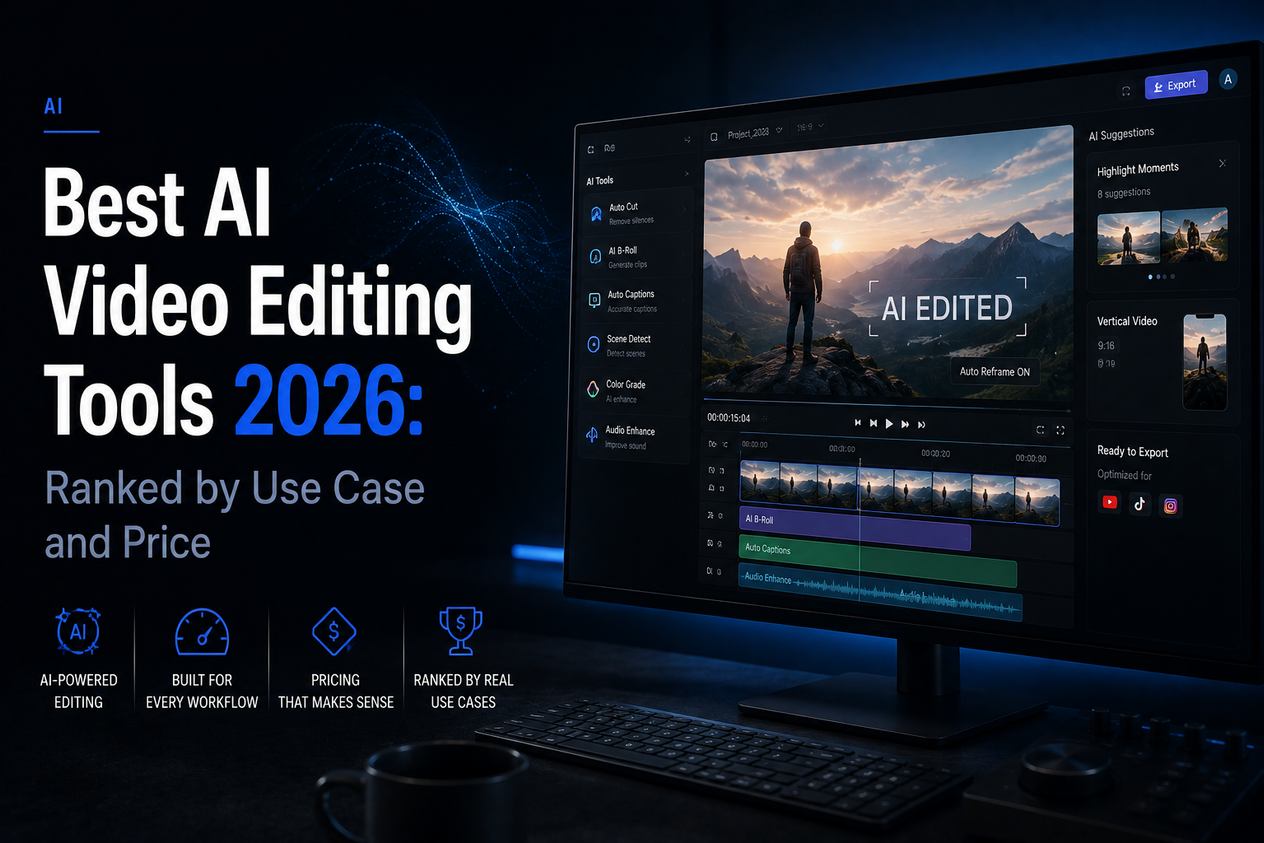
AI video editing tools and AI video generators are not the same thing. Generators create footage from scratch — text to video, image to video. Editors work on footage you already have: cutting it automatically, adding captions, reformatting for different platforms, removing silences, generating voiceovers, dubbing into other languages. Most people searching for the best AI video editing tools need the second category, not the first.
This guide covers the best AI video editing tools in 2026 — tools that accelerate editing of existing footage — with pricing, free tier limits, and who each one is best suited for.
Best AI Video Editing Tools 2026: Quick Comparison
| Tool | Free tier | Best for | Paid from |
|---|---|---|---|
| CapCut | Full editor, no watermark on desktop | Social media editing, all-in-one | CapCut Pro $9.99/mo |
| Descript | 1 hr transcription/mo | Podcast clips, text-based editing | $24/mo |
| Opus Clip | 60 mins/mo AI clipping | Repurposing long video into shorts | $19/mo |
| InVideo AI | 10 mins/week | Prompt-to-video with stock footage | $25/mo |
| Adobe Premiere Pro (AI) | 7-day trial only | Professional timeline editing + AI | $59.99/mo |
| DaVinci Resolve 21 | Full app, free forever | Hollywood-grade editing + AI tools | Studio $295 one-time |
| VEED.io | Subtitles with watermark | Auto-captions, subtitle automation | $18/mo |
| Runway | 125 lifetime credits | Generative VFX, B-roll on existing footage | $15/mo |
1. CapCut — Best Free All-in-One AI Video Editor
Free tier: Full desktop editor, no watermark | Paid: CapCut Pro $9.99/month
CapCut is the strongest free AI video editing option for most users in 2026. The desktop version exports without a watermark — including at 4K — and packs a full set of AI tools: auto-captions in 50+ languages, background removal, auto-reframe for different aspect ratios, AI noise reduction, text-to-speech, and B-roll suggestions. It handles the complete social video workflow from raw footage to formatted, captioned clip ready for upload.
Made by ByteDance (TikTok's parent company), which raises the same data privacy considerations as Kling AI. Commercially usable on the free desktop plan. For teams or creators who need cloud storage and premium effects, Pro at $9.99/month is the upgrade path.
Limitation: ByteDance data handling. Mobile app adds watermark on free tier — use the desktop app for watermark-free exports.
2. Descript — Best for Text-Based Editing and Podcasts
Free tier: 1 hour of transcription/month | Paid: $24/month
Descript transcribes your video or podcast automatically, then lets you edit the footage by editing the text transcript. Delete a word from the transcript and the corresponding footage is removed. It’s the fastest way to cut talking-head video or podcast content — no timeline scrubbing, no hunting for exact timestamps. AI filler-word removal strips out every “um” and “uh” automatically. Overdub lets you clone your voice to fix mistakes without re-recording.
Limitation: 1 hour/month free is tight for regular use. Not the right tool for action footage or cinematic editing — it excels at spoken-word content.
3. Opus Clip — Best for Repurposing Long Video into Shorts

Free tier: 60 minutes/month AI clipping | Paid: $19/month
Opus Clip takes a long YouTube video, interview, or webinar and automatically identifies the most engaging segments, clips them to vertical format, adds captions, and scores each clip by predicted virality. For creators with a large back catalogue of long-form content who want to repurpose it for TikTok, Reels, and Shorts, Opus Clip cuts hours of editing into minutes. The AI hook detection is consistently strong at identifying the high-retention opening moments that determine whether a short gets watched.
Limitation: Purpose-built for long-to-short repurposing. Not a general-purpose editor — you can’t use it to edit original footage from scratch.
4. DaVinci Resolve 21 — Best Professional Editor with AI, Free
Free tier: Full app, free forever | Paid: DaVinci Resolve Studio $295 one-time
DaVinci Resolve 21, released in June 2026, is a Hollywood-grade video editor, colour grader, and audio suite given away completely free — not a trial, not a limited version, the full application. The free edition includes real AI tools: Magic Mask (AI object tracking), voice isolation, speed warp, and facial recognition. The June 2026 update added a new Photo page and eight additional AI tools.
The learning curve is steep — DaVinci Resolve is a professional tool and expects users to invest time in learning it. For creators who want the most capable free editor available and are willing to learn, nothing else at this price point comes close.
Limitation: Steep learning curve. Some Neural Engine AI features are Studio-only. Requires a capable computer — not browser-based.
5. InVideo AI — Best for Prompt-to-Video with Stock Footage
Free tier: 10 minutes/week | Paid: $25/month
InVideo AI takes a text prompt or script and assembles a finished video — selecting stock footage, adding a voiceover, syncing music, and exporting a timeline-edited clip. A prompt like “coffee shop morning rush, slow motion, lo-fi mood” returns a 60-second edited video in roughly 90 seconds. In 2026 InVideo can call premium generation models including Veo 3.1 inside its pipeline, giving you access to high-quality AI footage within a stock-supplemented edit. For content teams that need volume — social posts, ads, explainer videos — InVideo’s automation is hard to match.
Limitation: 10 minutes/week free is very limited. Free plan excludes commercial rights. Output can read as stock-heavy unless you use premium generation models.
6. Adobe Premiere Pro — Best Professional AI-Assisted Editor
Free tier: 7-day trial | Paid: $59.99/month
Adobe Premiere Pro has integrated AI deeply into what was already the industry standard professional editor. Generative Extend fills gaps in footage. Auto Reframe resizes sequences for different platforms. Text-based editing lets you edit via transcript. AI-powered audio cleanup removes background noise and enhances dialogue. Firefly integration adds generative B-roll and effects directly in the timeline.
At $59.99/month it’s expensive for individual creators. The right choice for professionals already in the Adobe ecosystem or working in environments where Premiere is the standard delivery format.
Limitation: $59.99/month is the highest price on this list. No meaningful free tier — 7-day trial only. Overkill for social content creators who don’t need professional delivery specs.
How to Choose the Right AI Video Editing Tool
| You need to… | Use this |
|---|---|
| Edit social videos quickly for free | CapCut (desktop) |
| Turn a long video or podcast into short clips | Opus Clip |
| Edit talking-head or podcast video by editing text | Descript |
| Professional editing with full control, free | DaVinci Resolve 21 |
| Generate a finished video from a script or prompt | InVideo AI |
| Professional production in an existing Adobe workflow | Adobe Premiere Pro |
The Verdict
For most creators in 2026, CapCut is the best starting point — a full-featured free editor with genuine AI tools and no watermark on desktop exports. Descript is the best choice for podcast and talking-head content. Opus Clip solves the specific problem of repurposing long-form content for social. DaVinci Resolve 21 is the best free professional editor if you’re willing to invest time learning it.
If you’re looking for tools that create footage rather than edit it, see our guide to the best free AI image-to-video tools in 2026. For context on when AI subscriptions are worth paying for, our ChatGPT Plus review covers that question directly.